A dynamically generated activity graph to show your GitHub activities of last 31 days.
See the code

The canonical deployment is now https://github-readme-activity-graph.vercel.app. Previous deployments at https://activity-graph.herokuapp.com (Heroku free tier discontinued) and https://github-readme-activity-graph.cyclic.app (Cyclic.sh shut down in early 2025) are no longer reachable. For background see issue #197.
Please refer to the updated link here
Just paste the following URL in your profile readme and you are good to go.
Pass your username in the URL
[](https://github.com/ashutosh00710/github-readme-activity-graph)
username=ashutosh00710&theme=theme_name
[](https://github.com/ashutosh00710/github-readme-activity-graph)
Manual Customization is also available
| Name | Preview |
|---|---|
| Default (cotton candy) | 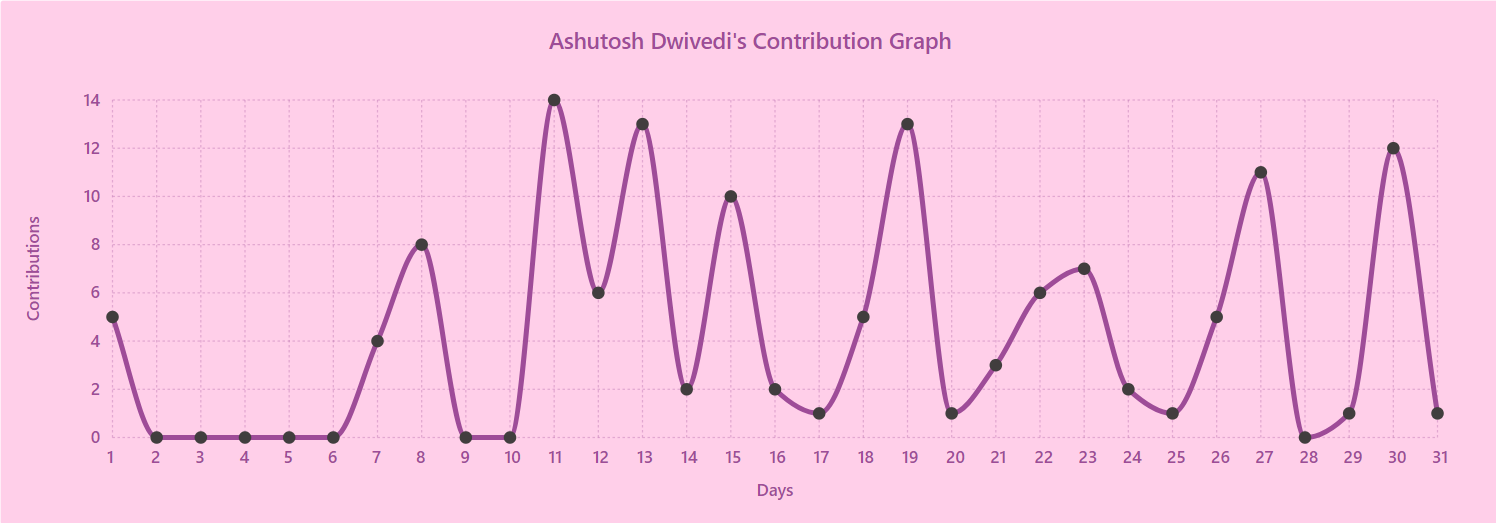 |
| react | 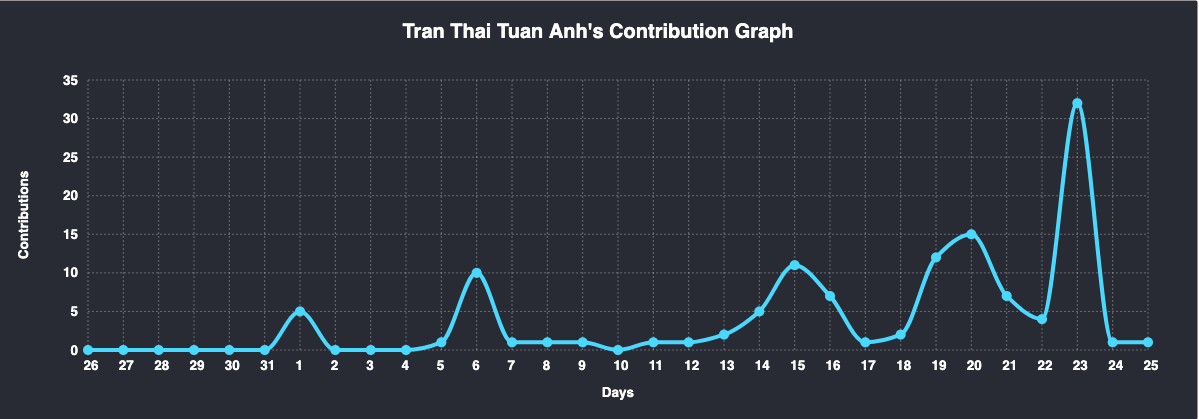 |
| react-dark | 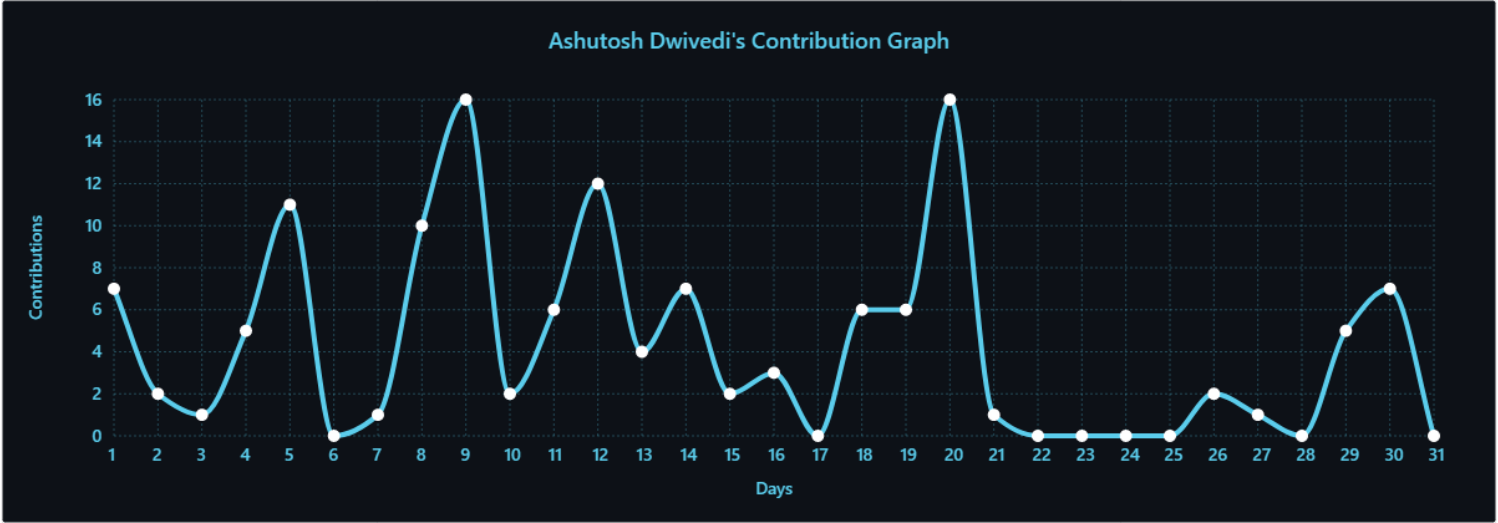 |
| github | 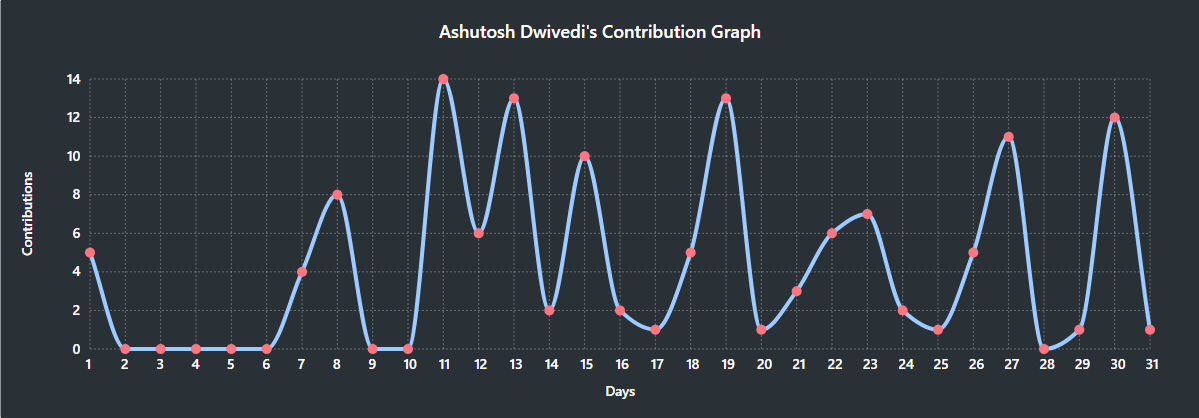 |
| github-compact | 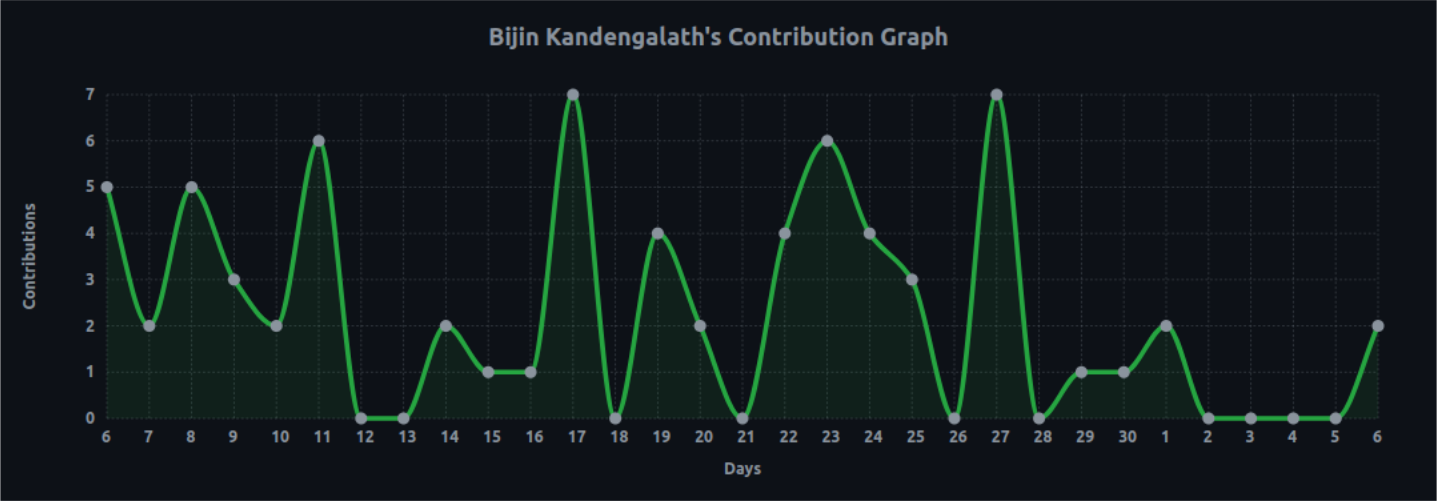 |
| xcode | 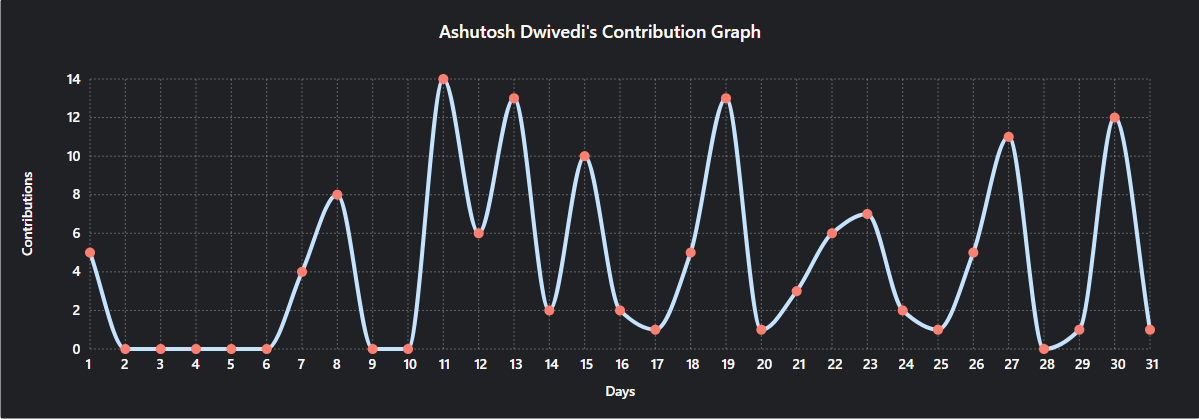 |
| rogue | 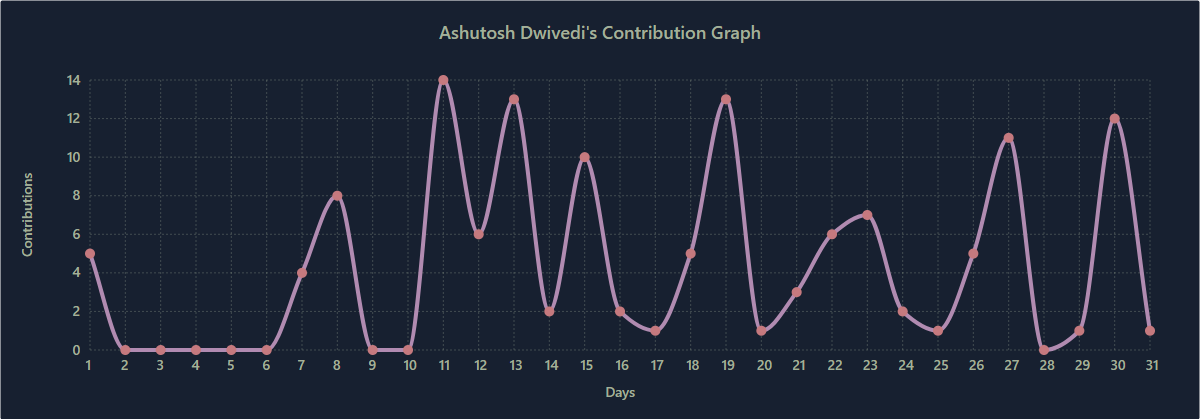 |
| merko | 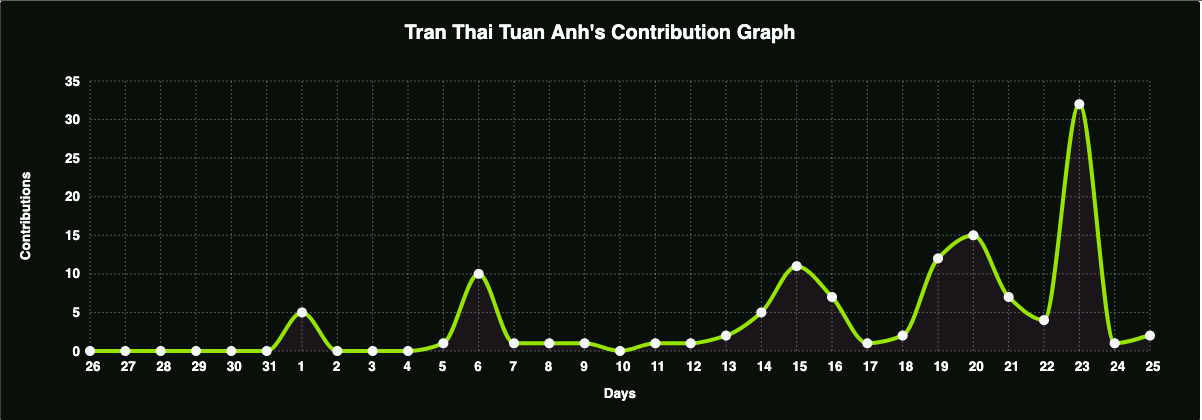 |
| vue | 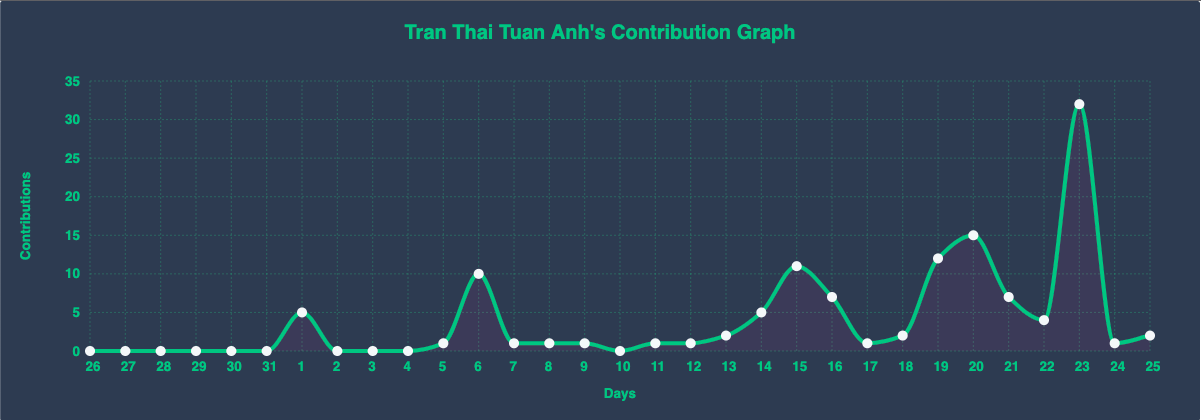 |
| tokyo-night | 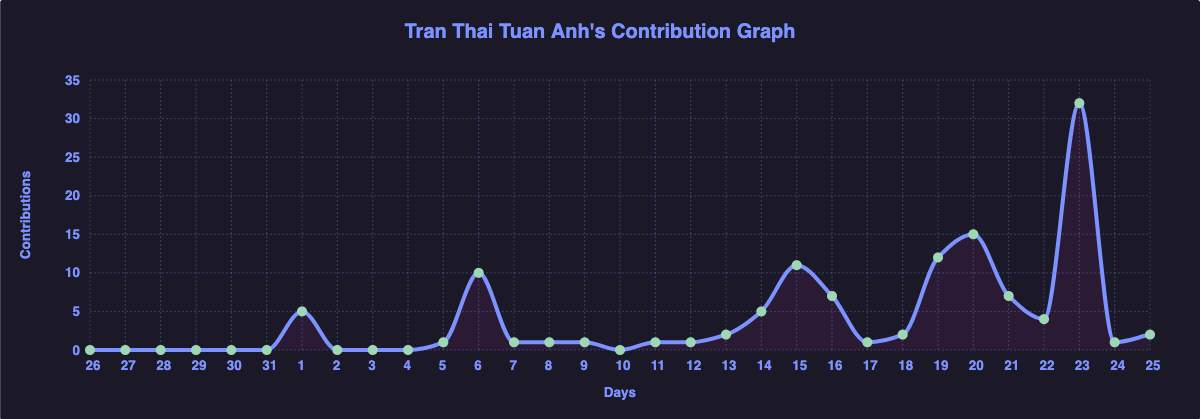 |
| high-contrast | 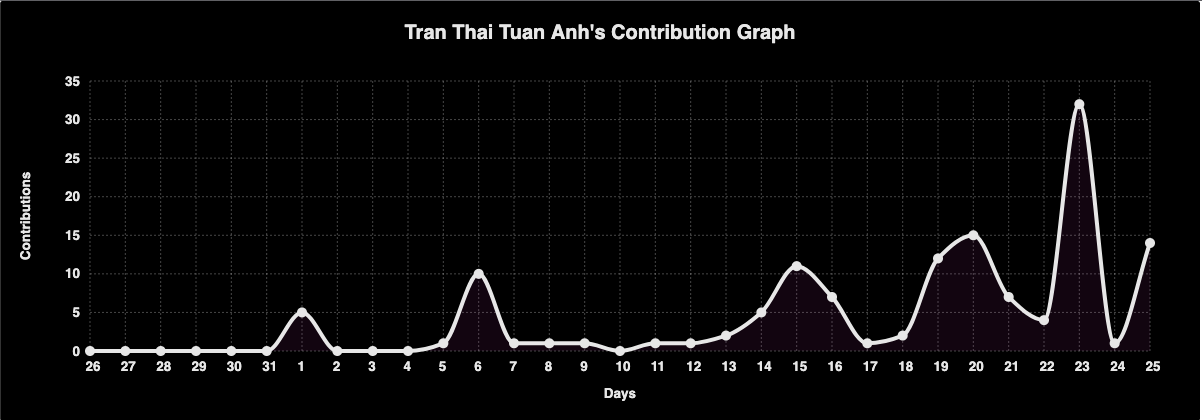 |
For more themes click here
Customize the appearance of your Activity Graph however you want with URL params.
| Arguments | Description | Type of Value |
|---|---|---|
bg_color | card's background color | hex code (without #) |
border_color | card's border color | hex code (without #) |
color | graph card's text color | hex code (without #) |
title_color | graph card's title color | hex code (without #) |
line | graph's line color | hex code (without #) |
point | color of points on line graph | hex code (without #) |
area_color | color of the area under the graph | hex code (without #) |
area | shows area under the graph | boolean (default: false) |
hide_border | makes the border of the graph transparent | boolean (default: false) |
hide_title | sets the title to an empty string | boolean (default: false) |
custom_title | set the title to any string | string |
theme | name of available themes | string |
radius | border radius of graph | number (0-16 inclusive) |
height | height of the graph | number (200-600 inclusive) |
days | number of to days display on graph | number between (1 - 90) [Recommended below 40] |
from | date from which the graph starts | format YYYY-MM-DD |
to | date where the graph will end | format YYYY-MM-DD |
grid | show grid | boolean (default: true) |
⚠ For custom_title please make sure that you are using %20 for spaces
Example:
custom_title=This%20is%20a%20title
[](https://github.com/ashutosh00710/github-readme-activity-graph)
Example:
[](https://github.com/ashutosh00710/github-readme-activity-graph)
On the page that comes up, choose language as Node.js and then click Import from GitHub Button
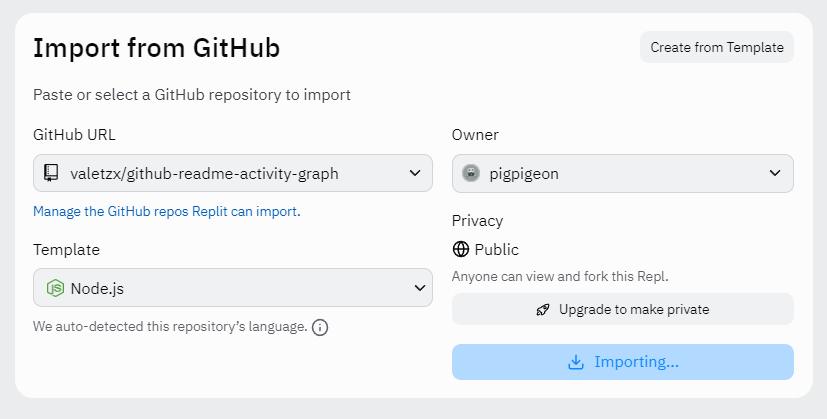
Visit this link to create a new Personal Access Token
Scroll to the bottom and click "Generate token"
Wait clone done and add Secrets with your Github token
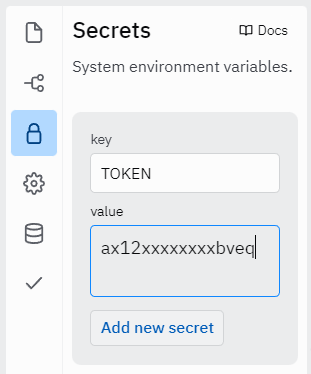
Click the green RUN button on top, the console will run and at last the url will shows on the right
Now just add the following to your profile readme and you're good to go

Log in.

Continue with GitHub.

Add New... button and select the Project option.

Continue with GitHub button, search for the required Git Repository and import it by clicking the Import button.

repo permissions (this allows access to see private repo stats).

TOKEN.

Alternatively, click the button below and follow the instructions.
After the deployment is complete:
Continue to Dashboard button

Settings tab, click on Environment Variables and follow steps 9. and 10. of First Method.

Deployments tab and redeploy the project.

Now just add the following to your profile readme and you're good to go.

Please read through our contributing guidelines. Directions are included for opening issues, coding standards, and notes on development.
Thanks goes to these wonderful people (emoji key):
This project follows the all-contributors specification. Contributions of any kind welcome!
| Purpose | Library Name | Link |
|---|---|---|
| Graph Construction | CHARTIST.JS | https://github.com/gionkunz/chartist-js |

139 followers · starred Aug 2025
114 followers · starred Mar 2022
932 followers · starred Dec 2025
15 followers · starred May 2026
A dynamically generated activity graph to show your GitHub activities of last 31 days.
See the code
The canonical deployment is now https://github-readme-activity-graph.vercel.app. Previous deployments at https://activity-graph.herokuapp.com (Heroku free tier discontinued) and https://github-readme-activity-graph.cyclic.app (Cyclic.sh shut down in early 2025) are no longer reachable. For background see issue #197.
Please refer to the updated link here
Just paste the following URL in your profile readme and you are good to go.
Pass your username in the URL
[](https://github.com/ashutosh00710/github-readme-activity-graph)
username=ashutosh00710&theme=theme_name
[](https://github.com/ashutosh00710/github-readme-activity-graph)
Manual Customization is also available
| Name | Preview |
|---|---|
| Default (cotton candy) | |
| react | |
| react-dark | |
| github | |
| github-compact | |
| xcode | |
| rogue | |
| merko | |
| vue | |
| tokyo-night | |
| high-contrast | |
For more themes click here
Customize the appearance of your Activity Graph however you want with URL params.
| Arguments | Description | Type of Value |
|---|---|---|
bg_color | card's background color | hex code (without #) |
border_color | card's border color | hex code (without #) |
color | graph card's text color | hex code (without #) |
title_color | graph card's title color | hex code (without #) |
line | graph's line color | hex code (without #) |
point | color of points on line graph | hex code (without #) |
area_color | color of the area under the graph | hex code (without #) |
area | shows area under the graph | boolean (default: false) |
hide_border | makes the border of the graph transparent | boolean (default: false) |
hide_title | sets the title to an empty string | boolean (default: false) |
custom_title | set the title to any string | string |
theme | name of available themes | string |
radius | border radius of graph | number (0-16 inclusive) |
height | height of the graph | number (200-600 inclusive) |
days | number of to days display on graph | number between (1 - 90) [Recommended below 40] |
from | date from which the graph starts | format YYYY-MM-DD |
to | date where the graph will end | format YYYY-MM-DD |
grid | show grid | boolean (default: true) |
⚠ For custom_title please make sure that you are using %20 for spaces
Example:
custom_title=This%20is%20a%20title
[](https://github.com/ashutosh00710/github-readme-activity-graph)
Example:
[](https://github.com/ashutosh00710/github-readme-activity-graph)
On the page that comes up, choose language as Node.js and then click Import from GitHub Button
Visit this link to create a new Personal Access Token
Scroll to the bottom and click "Generate token"
Wait clone done and add Secrets with your Github token
Click the green RUN button on top, the console will run and at last the url will shows on the right
Now just add the following to your profile readme and you're good to go

Log in.
Continue with GitHub.
Add New... button and select the Project option.
Continue with GitHub button, search for the required Git Repository and import it by clicking the Import button.
repo permissions (this allows access to see private repo stats).
TOKEN.
Alternatively, click the button below and follow the instructions.
After the deployment is complete:
Continue to Dashboard button
Settings tab, click on Environment Variables and follow steps 9. and 10. of First Method.
Deployments tab and redeploy the project.
Now just add the following to your profile readme and you're good to go.

Please read through our contributing guidelines. Directions are included for opening issues, coding standards, and notes on development.
Thanks goes to these wonderful people (emoji key):
This project follows the all-contributors specification. Contributions of any kind welcome!
| Purpose | Library Name | Link |
|---|---|---|
| Graph Construction | CHARTIST.JS | https://github.com/gionkunz/chartist-js |
139 followers · starred Aug 2025
114 followers · starred Mar 2022
932 followers · starred Dec 2025
15 followers · starred May 2026



