App to AntiSplit (merge) split APKs (APKS/XAPK/APKM) to regular .APK file on Android
Java
4,895
556 commits
updated Aug 19, 2026
Android app to merge/"AntiSplit" split APKs (APKS/XAPK/APKM) to a regular .APK file
This project is a simple GUI implementation of Merge utilities from REAndroid APKEditor.
Some other apps that can perform this task like Apktool M, AntiSplit G2, NP Manager are all closed source. In addition, some older apps have a large problem in not removing the information about splits in the APK from the AndroidManifest.xml. If a merged/non-split APK contains this information it will cause an "App not installed" error on some devices. Fortunately the implementation by REAndroid fixes this issue.
All features of this app with better speed and other functions have been implemented in my new app MP Manager
Video - https://youtu.be/Vk566iMG6Gs
There are 3 ways to open a split APK to be merged:
There is also a menu in the app that allows selecting an app from those installed on the device as a split APK. Please try this method if you have problems with selecting a downloaded split APK.
Note: An APK must be signed in order to install it (unless you use tool like Core Patch). If you are planning to further modify the APK, you only need to sign it after the modifications (Apps like ReVanced Manager will sign it for you). Some apps verify the signature of the APK or take other measures to check if the app was modified, which may cause it to crash on startup.
| Main screen | Settings | Selecting from installed apps |
|---|---|---|
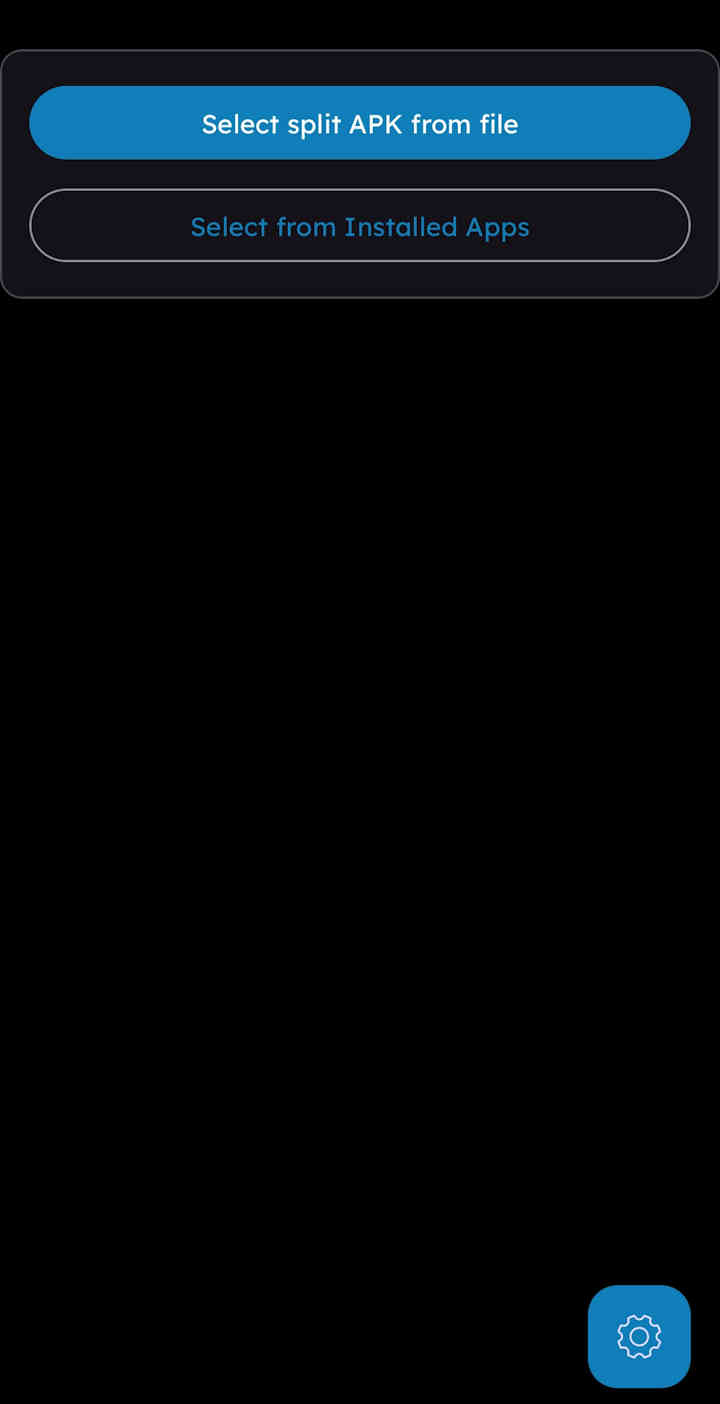 | 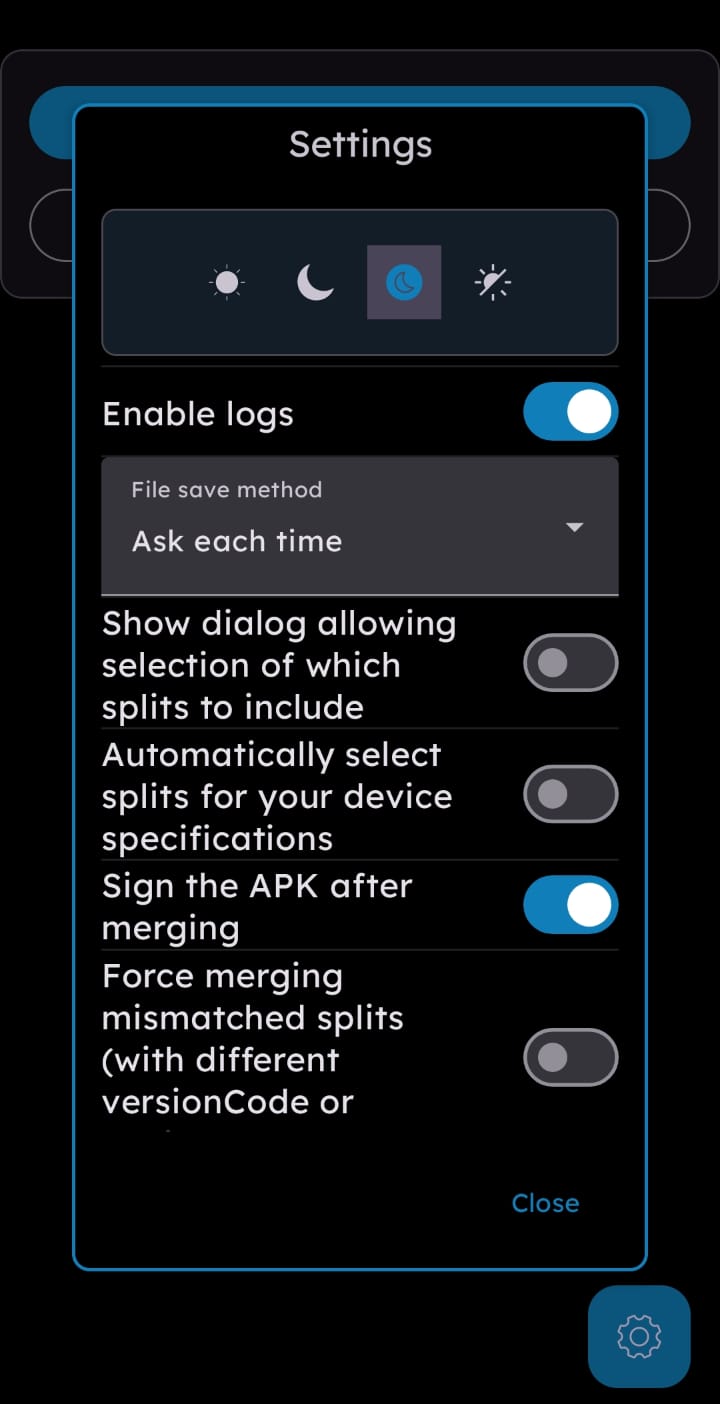 | 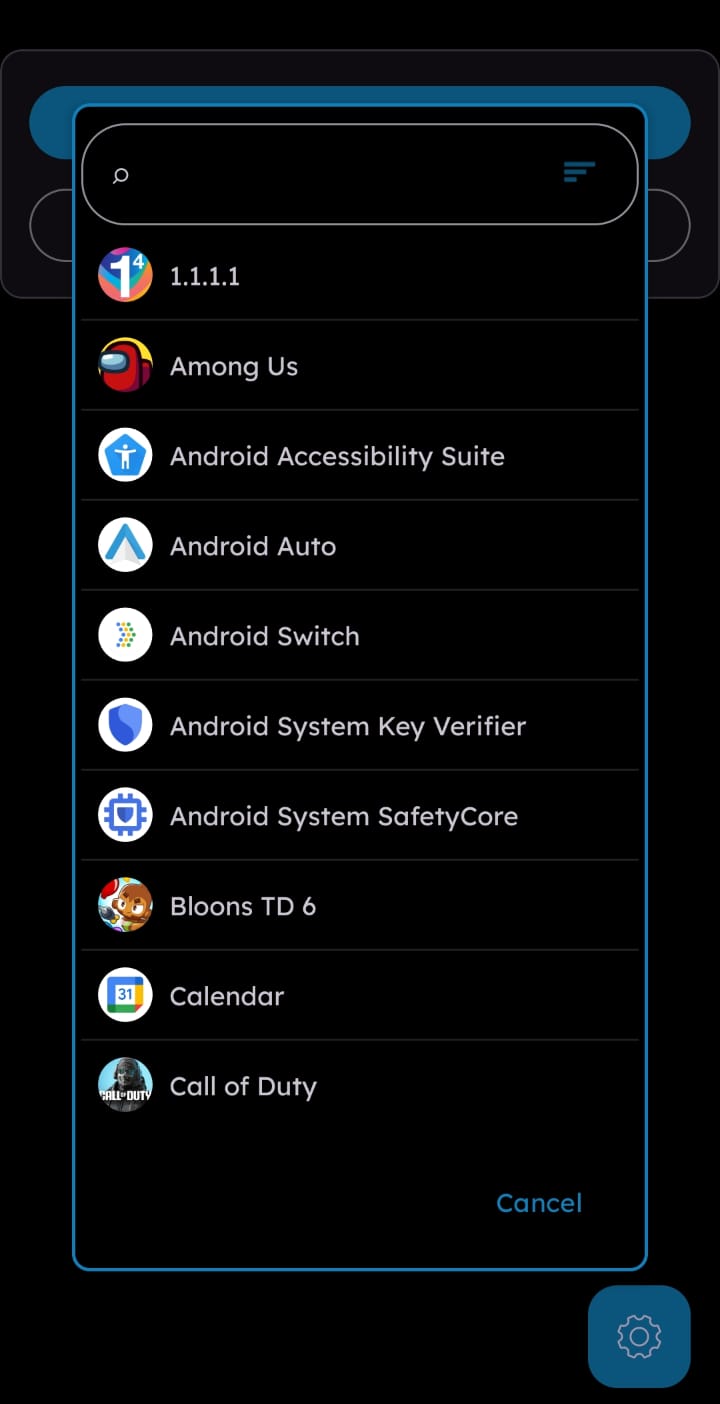 |
| Dialog allowing splits selection | Processing | Result |
|---|---|---|
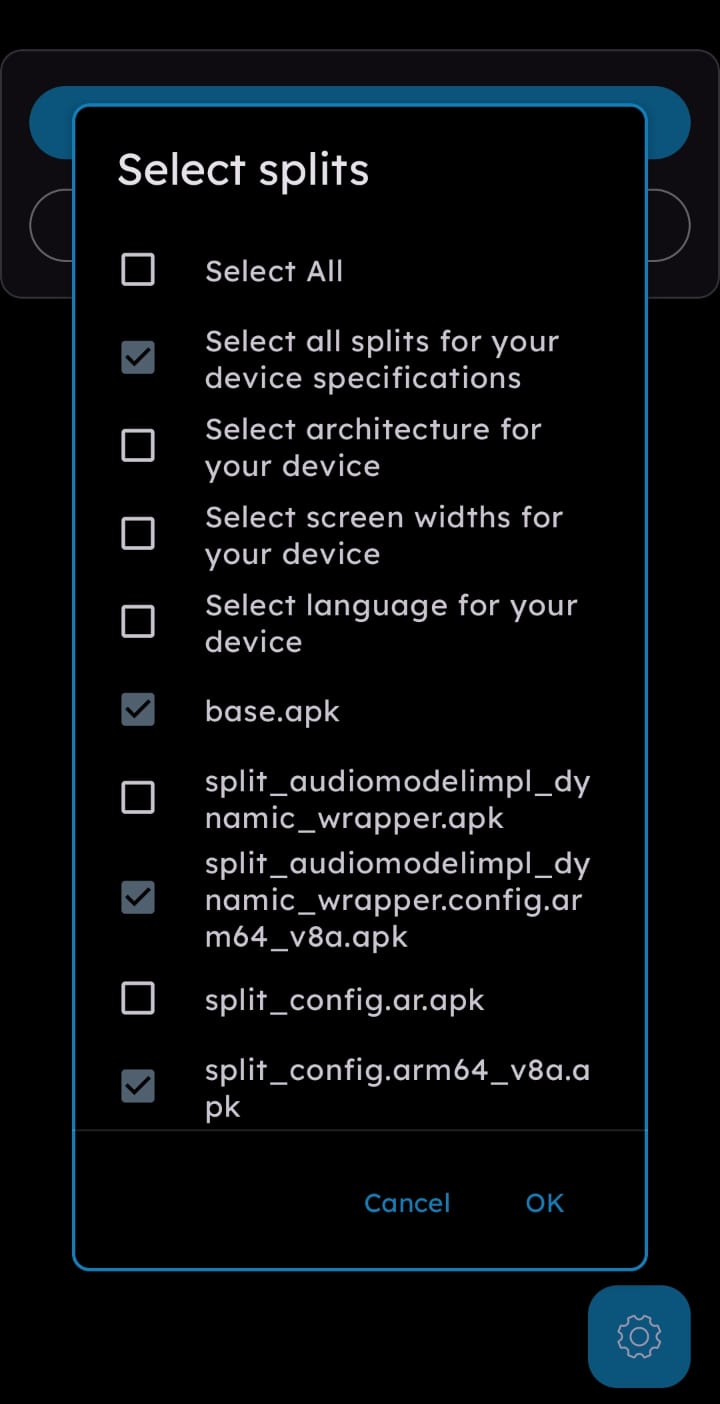 | 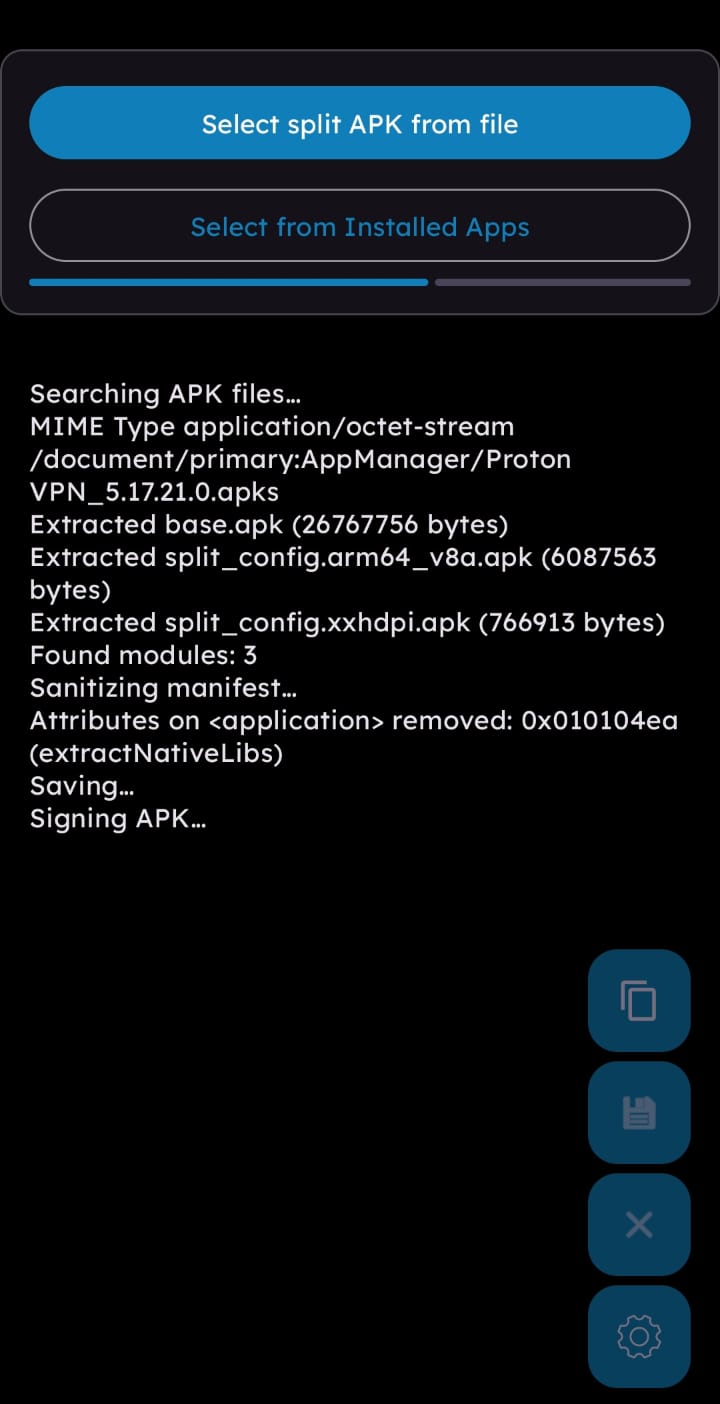 | 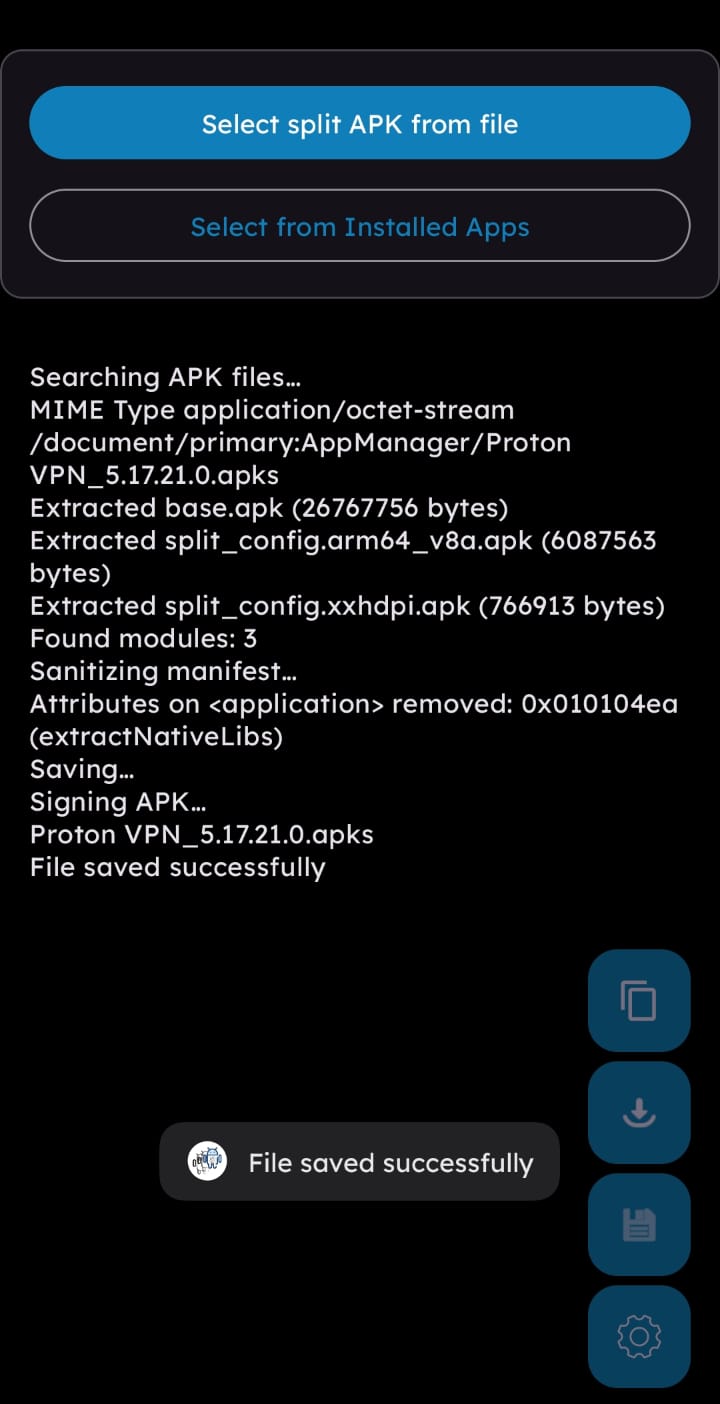 |
⭐ APKEditor by REAndroid, what makes it all possible
Feel free to request a build of the app with any of these permissions removed.
(top 24 of 25)
578 followers · starred Mar 2026
54 followers · starred Oct 2024
72 followers · starred Nov 2025
69 followers · starred Feb 2025
App to AntiSplit (merge) split APKs (APKS/XAPK/APKM) to regular .APK file on Android
Java
4,895
556 commits
updated Aug 19, 2026
Android app to merge/"AntiSplit" split APKs (APKS/XAPK/APKM) to a regular .APK file
This project is a simple GUI implementation of Merge utilities from REAndroid APKEditor.
Some other apps that can perform this task like Apktool M, AntiSplit G2, NP Manager are all closed source. In addition, some older apps have a large problem in not removing the information about splits in the APK from the AndroidManifest.xml. If a merged/non-split APK contains this information it will cause an "App not installed" error on some devices. Fortunately the implementation by REAndroid fixes this issue.
All features of this app with better speed and other functions have been implemented in my new app MP Manager
Video - https://youtu.be/Vk566iMG6Gs
There are 3 ways to open a split APK to be merged:
There is also a menu in the app that allows selecting an app from those installed on the device as a split APK. Please try this method if you have problems with selecting a downloaded split APK.
Note: An APK must be signed in order to install it (unless you use tool like Core Patch). If you are planning to further modify the APK, you only need to sign it after the modifications (Apps like ReVanced Manager will sign it for you). Some apps verify the signature of the APK or take other measures to check if the app was modified, which may cause it to crash on startup.
| Main screen | Settings | Selecting from installed apps |
|---|---|---|
| | |
| Dialog allowing splits selection | Processing | Result |
|---|---|---|
| | |
⭐ APKEditor by REAndroid, what makes it all possible
Feel free to request a build of the app with any of these permissions removed.
(top 24 of 25)
578 followers · starred Mar 2026
54 followers · starred Oct 2024
72 followers · starred Nov 2025
69 followers · starred Feb 2025