
[ARCHIVE] Moved to https://git.hu-tao.dev/hutao/nixos-dotfiles. Mirror of https://git.hu-tao.dev/hutao/dotfiles. My configuration files for Hyprland and i3wm on Arch Linux and all my used packages as a text file.
See the codeSee what people are saying
README
Configuration files


Arch Linux only. This repo assumes
pacmanplus an AUR helper (paruoryay). The setup script callssudo pacman, installs AUR packages viamakepkg, and enablessddm.service. On other distros, cherry-pick thedot-config/subtrees you want and symlink them yourself —stow-setup.shworks anywhere stow runs.
Quick tip about querying your packages into your own file:
pacman -Qqe > target_file_location/target_file.txt
To install the queried packages:
sudo pacman -S --needed - < target_file_location/target_file.txt
Feel free to replace pacman with paru, yay or whatever AUR helper you may use
- But DON'T use
sudoif you use an AUR helper!!!
A lot of the packages are AUR packages, so don't worry about pacman telling you they don't exist if you don't use an AUR helper to install them with.
Table of contents
Quick setup guide
chmod +x ./stow-setup.sh && chmod +x ./full-setup.sh # One time only

./full-setup.sh # Or ./stow-setup.sh if you only want the symlinks.
[!IMPORTANT] The
stow scriptand by extension thefull setup scriptboth usestowwith the--adoptflag, meaning it could alter existing files in directories such as~/.config,~/.local, etc. If you don't want that behavior, run your stow commands manually or change the scripts to not use the--adoptflag.
Setup Showcase


Neovim
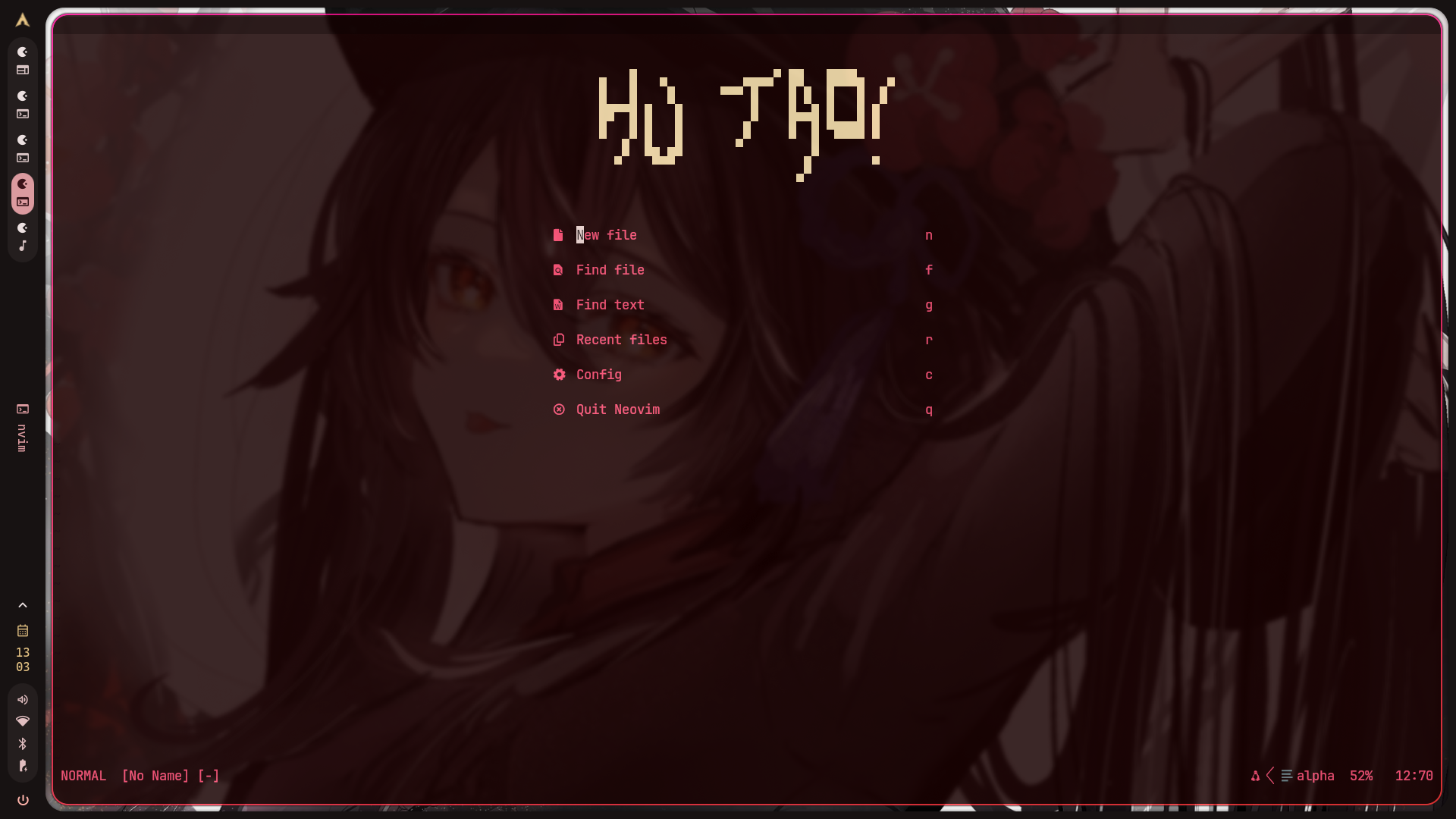
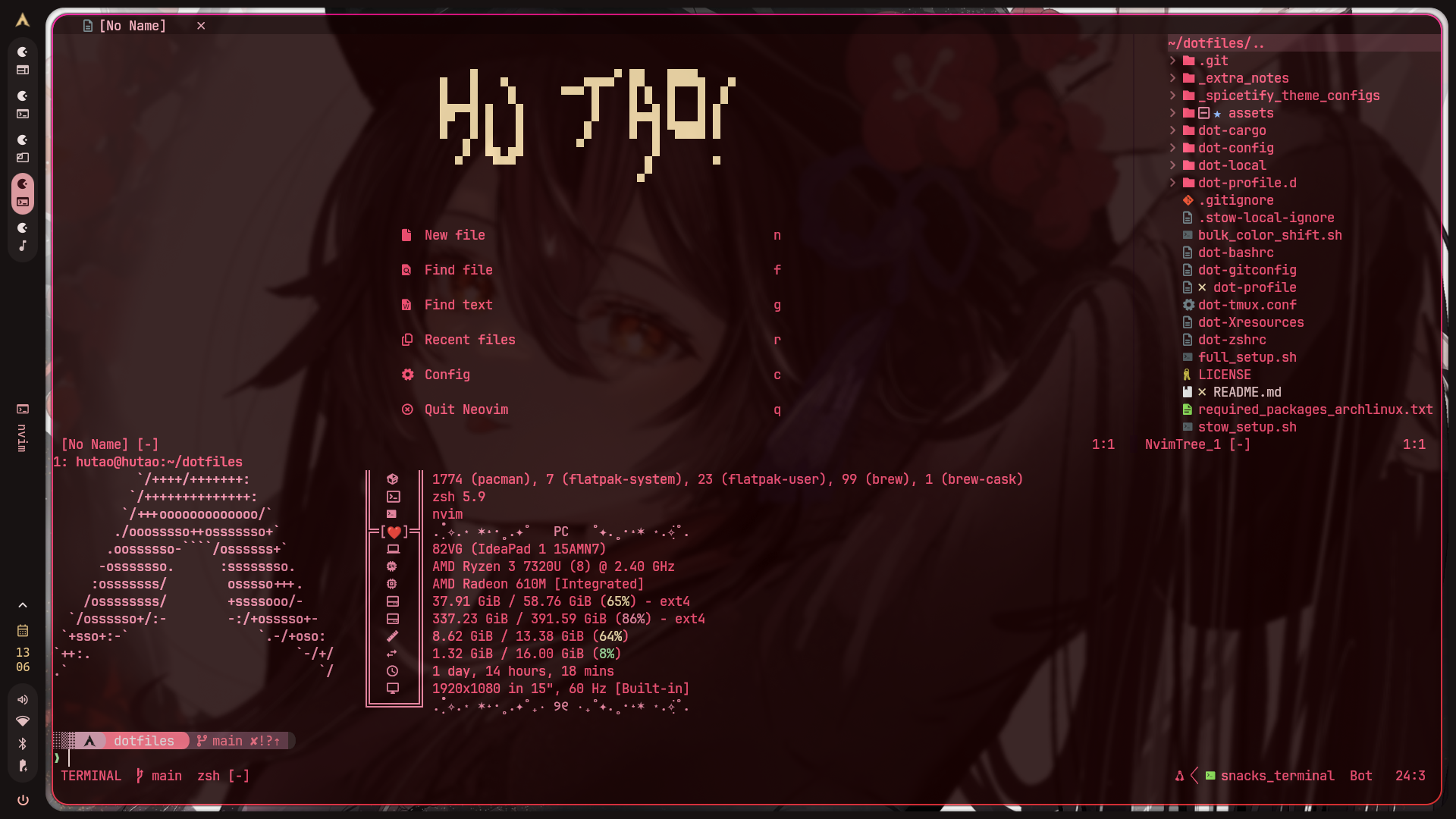
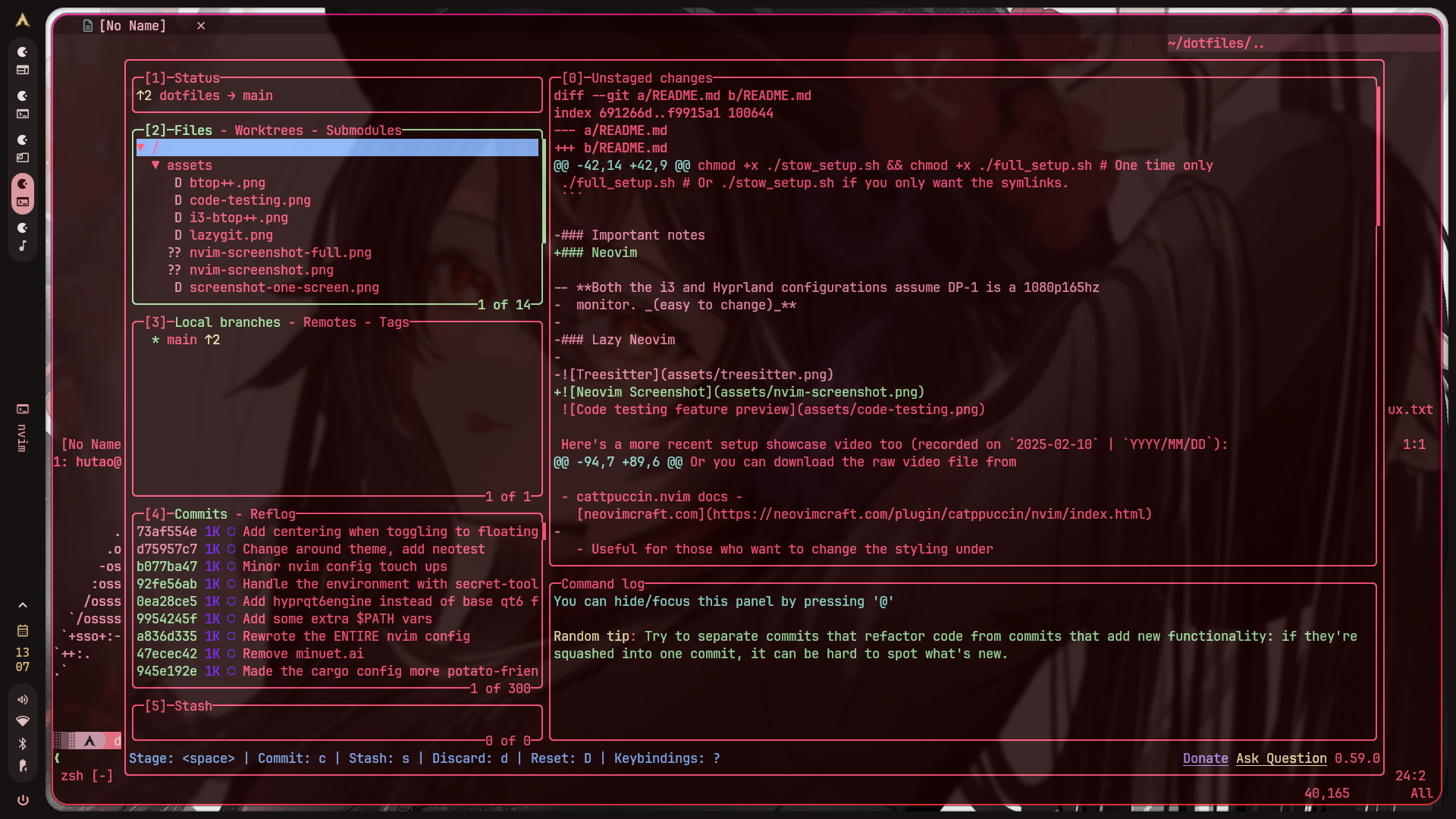
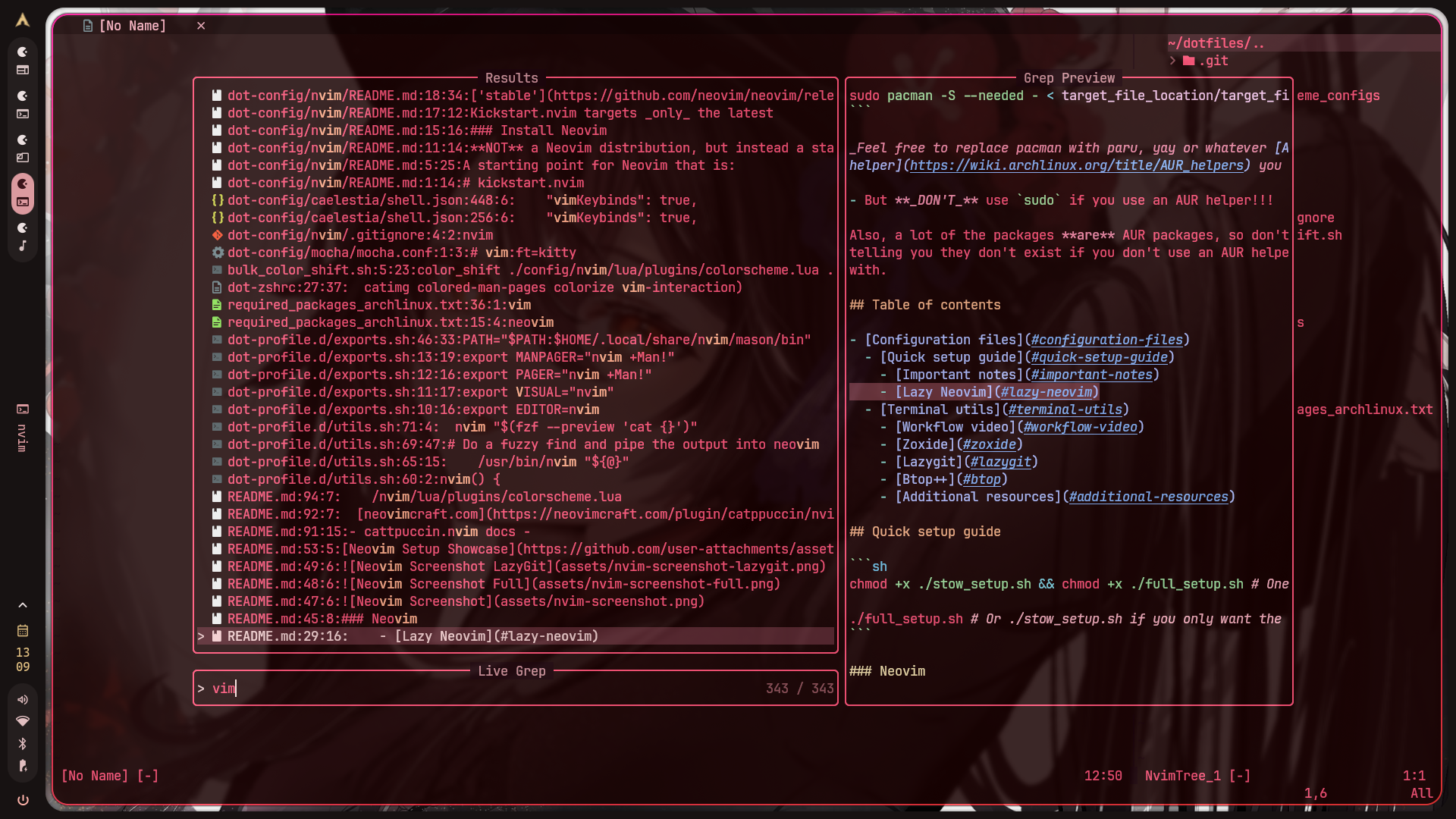
[!IMPORTANT] The Neovim part of this repo can be found in
1git2clone/nvim-config.
Full Workflow video
https://github.com/user-attachments/assets/741b4680-d85f-49cb-abff-1d959bdc93c2
[!NOTE] Video files can be found in
assetsin case you're viewing them outside of GitHub or you want to view the video files themselves.
Additional resources
-
cattpuccin.nvim docs - neovimcraft.com
- Useful for those who want to change the styling under /nvim/lua/plugins/colorscheme.lua
-
Make sure to check the
dot-config/programs/folder which contains a bunch of useful utilities like a color hue shift script that changes the hues of every 6-digit HEX sequence with your specified offset (1-360) and some other apps. They're already added to your$PATHvariable indot-profile.
Similar repos


[ARCHIVE] Moved to https://git.hu-tao.dev/hutao/nixos-dotfiles. Mirror of https://git.hu-tao.dev/hutao/dotfiles. My configuration files for Hyprland and i3wm on Arch Linux and all my used packages as a text file.
See the codeSee what people are saying
README
Configuration files
Arch Linux only. This repo assumes
pacmanplus an AUR helper (paruoryay). The setup script callssudo pacman, installs AUR packages viamakepkg, and enablessddm.service. On other distros, cherry-pick thedot-config/subtrees you want and symlink them yourself —stow-setup.shworks anywhere stow runs.
Quick tip about querying your packages into your own file:
pacman -Qqe > target_file_location/target_file.txt
To install the queried packages:
sudo pacman -S --needed - < target_file_location/target_file.txt
Feel free to replace pacman with paru, yay or whatever AUR helper you may use
- But DON'T use
sudoif you use an AUR helper!!!
A lot of the packages are AUR packages, so don't worry about pacman telling you they don't exist if you don't use an AUR helper to install them with.
Table of contents
Quick setup guide
chmod +x ./stow-setup.sh && chmod +x ./full-setup.sh # One time only

./full-setup.sh # Or ./stow-setup.sh if you only want the symlinks.
[!IMPORTANT] The
stow scriptand by extension thefull setup scriptboth usestowwith the--adoptflag, meaning it could alter existing files in directories such as~/.config,~/.local, etc. If you don't want that behavior, run your stow commands manually or change the scripts to not use the--adoptflag.
Setup Showcase
Neovim
[!IMPORTANT] The Neovim part of this repo can be found in
1git2clone/nvim-config.
Full Workflow video
https://github.com/user-attachments/assets/741b4680-d85f-49cb-abff-1d959bdc93c2
[!NOTE] Video files can be found in
assetsin case you're viewing them outside of GitHub or you want to view the video files themselves.
Additional resources
-
cattpuccin.nvim docs - neovimcraft.com
- Useful for those who want to change the styling under /nvim/lua/plugins/colorscheme.lua
-
Make sure to check the
dot-config/programs/folder which contains a bunch of useful utilities like a color hue shift script that changes the hues of every 6-digit HEX sequence with your specified offset (1-360) and some other apps. They're already added to your$PATHvariable indot-profile.